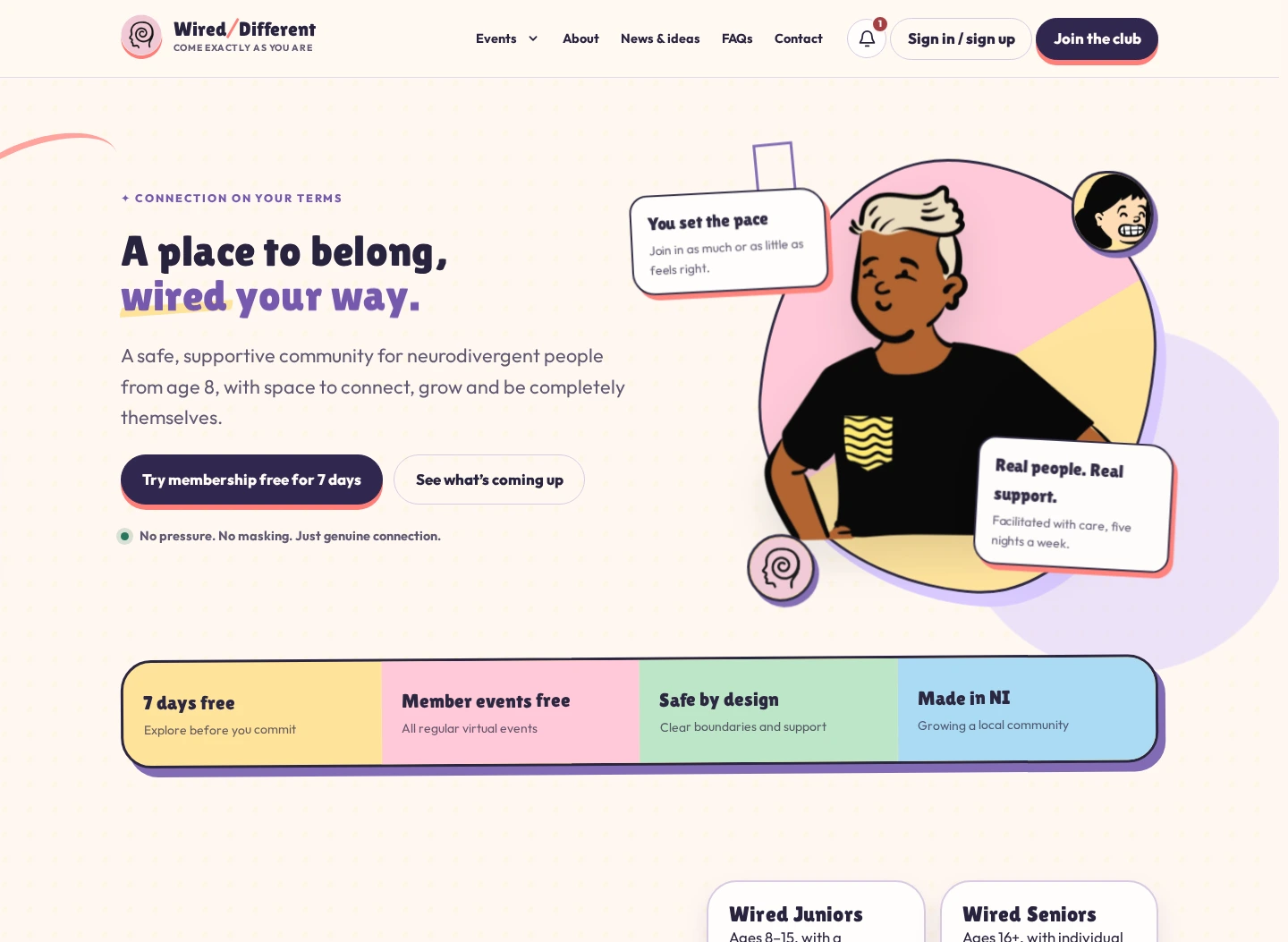
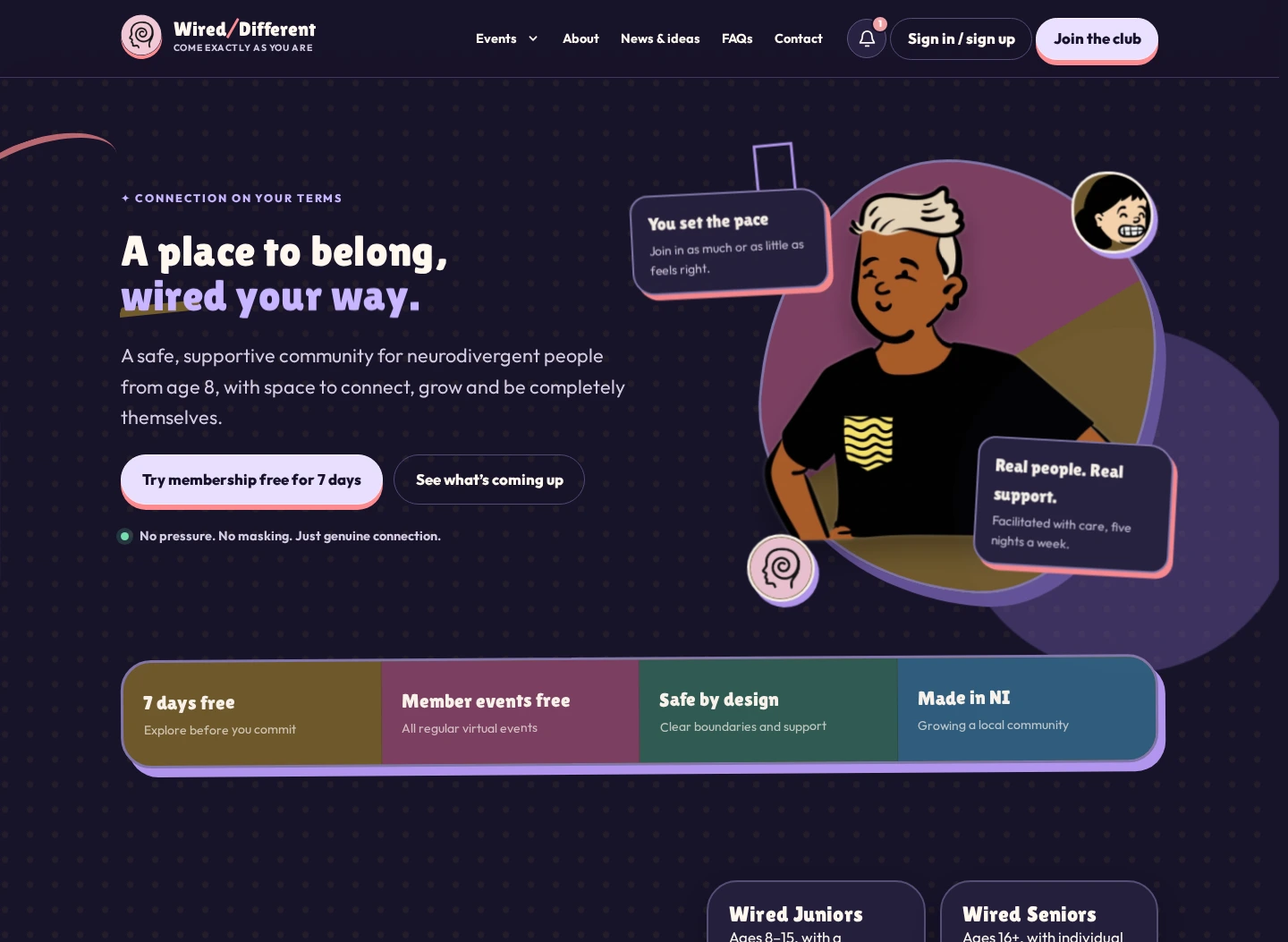
Wired/Different / second generation
A community website became community infrastructure.
The original site established a warm, recognisable digital home. The rebuild turns that foundation into one joined-up platform for events, memberships, safeguarding, live sessions and the everyday work behind the community.
- Generation
- Second
- Status
- Live
- Platform scope
- Public · member · team
The brief behind the rebuild
Keep the warmth. Remove the friction. Build around the real work.
Wired/Different had outgrown the definition of a content website. Its public pages still mattered, but the organisation was also managing memberships, age-specific access, bookings, in-person tickets, private workshops, online rooms, reminders, customer support and safeguarding.
WordPress could keep accumulating plugins and admin screens. What it could not easily provide was one coherent model of a person, their entitlement, their booking and what they should be allowed to do next. The rebuild began there.
Why move beyond WordPress
The service had become bigger than its collection of plugins.
The decision was less about technology preference and more about making the experience legible for members, families and staff.
One joined-up journey
Membership, events, bookings and account access needed to feel like one service—not a visitor being handed from plugin to plugin.
Safeguarding by design
Age groups, guardian involvement, camera expectations and private-event access needed first-class states rather than notes added around a generic booking flow.
Events as a real product
Free, paid, member, invite-only, presale, online and in-person events all needed clear rules without creating a maze for customers or staff.
A calmer staff operation
The team needed one role-aware control centre for events, customers, invitations, memberships and event-day tools.
Live sessions, not loose links
Waiting rooms, preflight checks, host roles, screen sharing and participation controls had to sit inside the same trusted experience.
Room to keep learning
The original site proved the demand. The successor had to make ongoing improvement easier without another layer of WordPress dependency.
A migration, not a reset
Change the engine without abandoning the passengers.
- 01
Audit the live service
Map WordPress accounts, memberships, subscriptions, upcoming events, bookings, policies, content and the routes people already use.
- 02
Design the service around people
Turn customers, guardians, attendees, staff and hosts into clear journeys with an explicit source of truth for access.
- 03
Build alongside production
Develop the new platform separately, using real content and representative data while the existing website continues to serve the community.
- 04
Migrate and reconcile
Match customer identities and existing payment entitlements, then carry forward relevant events and bookings without asking people to start again.
- 05
Rehearse the awkward moments
Test mobile navigation, ticketing, guest access, room admission, microphone setup and staff controls with the people who will actually use them.
- 06
Cut over deliberately
Move the domain only after launch checks, then keep refining from real sessions rather than treating launch day as the finish line.
Events are the front door
From “what is on?” to “I know exactly what happens next.”
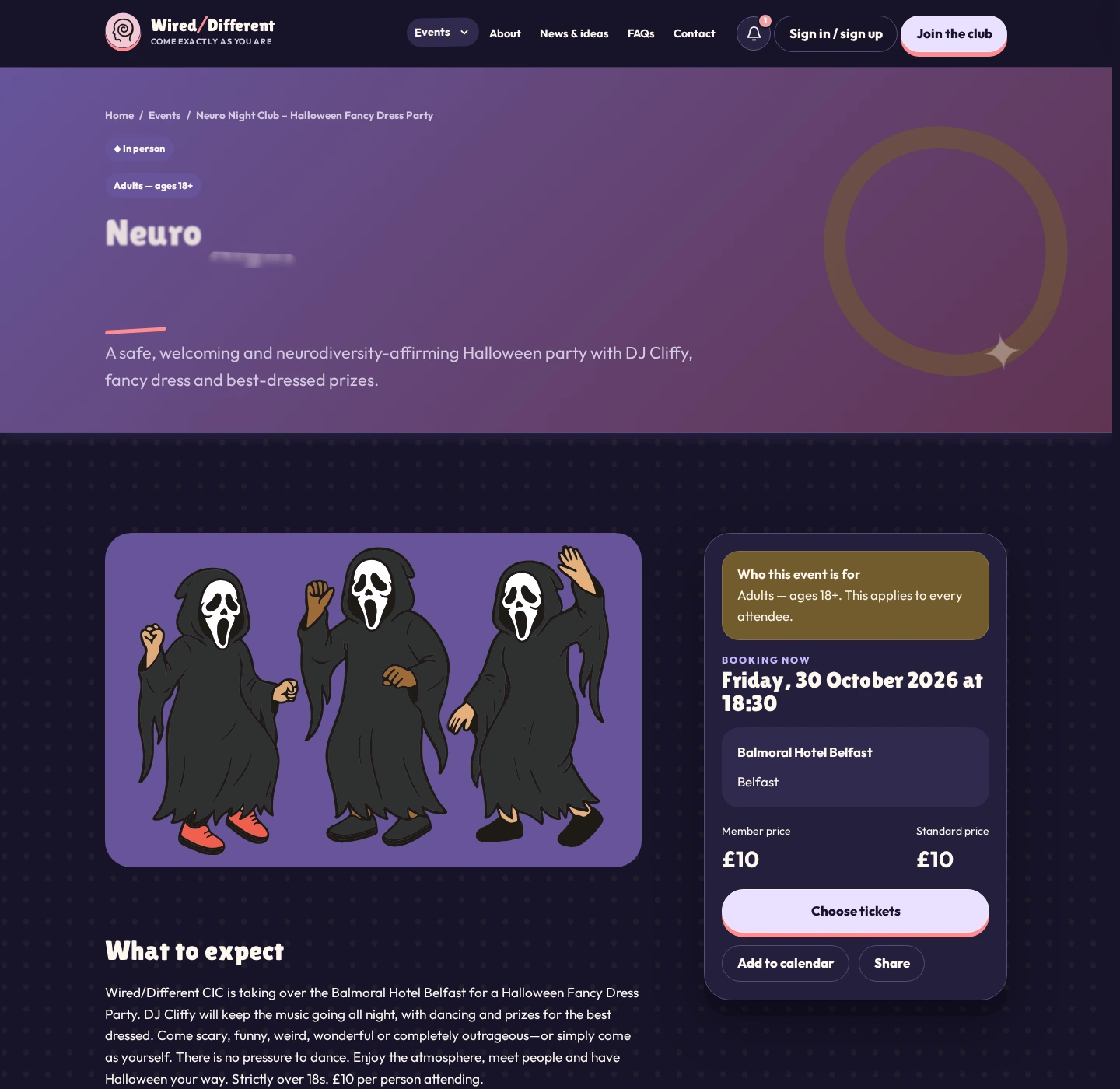
Event pages explain the format, audience, age range, access information, price and next action before somebody commits. The booking logic changes with the event instead of making every event pretend to be the same.
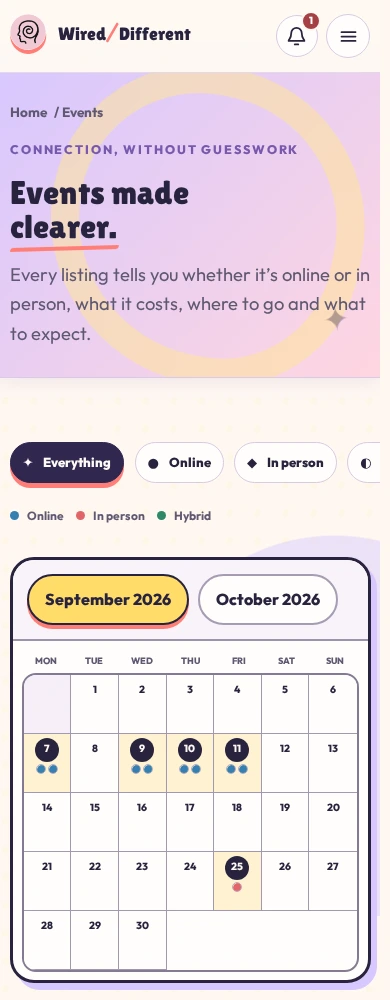
- A clear calendar for online, in-person and hybrid events
- Member and standard pricing explained before checkout
- Public, delisted, invite-only and presale visibility
- Account-linked bookings with optional named guests
- Calendar links, reminders and event-specific confirmation emails
- QR admission where it belongs: on in-person tickets
Customer journeys in the hand
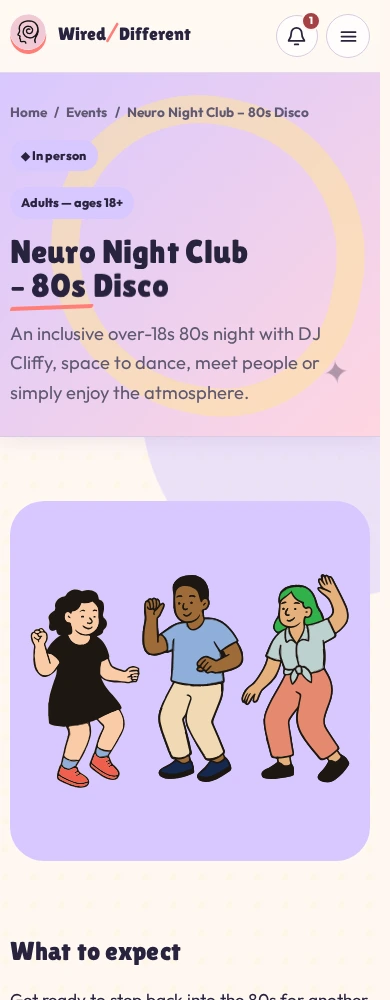
The small-screen experience is the service, not a compressed afterthought.
The events calendar remains scannable, the booking form keeps the account holder visible, and optional guest names never obscure who owns the reservation. Installable web-app behaviour provides a direct route back to bookings without pretending the website is a native app.
Light and dark modes, reduced motion and accessible focus states are part of the interface system rather than a final accessibility pass.
Safety lives in the flow
Safeguarding cannot be a policy page people only meet afterwards.
Junior profiles involve a responsible adult and a staff review before access is treated as complete. Private events can be attached to named accounts or invited email addresses, while camera expectations and room behaviour are explained before a live session begins.
Online events became rooms
Less “here is a video-call link”. More knowing who is here, what is happening and who is in control.
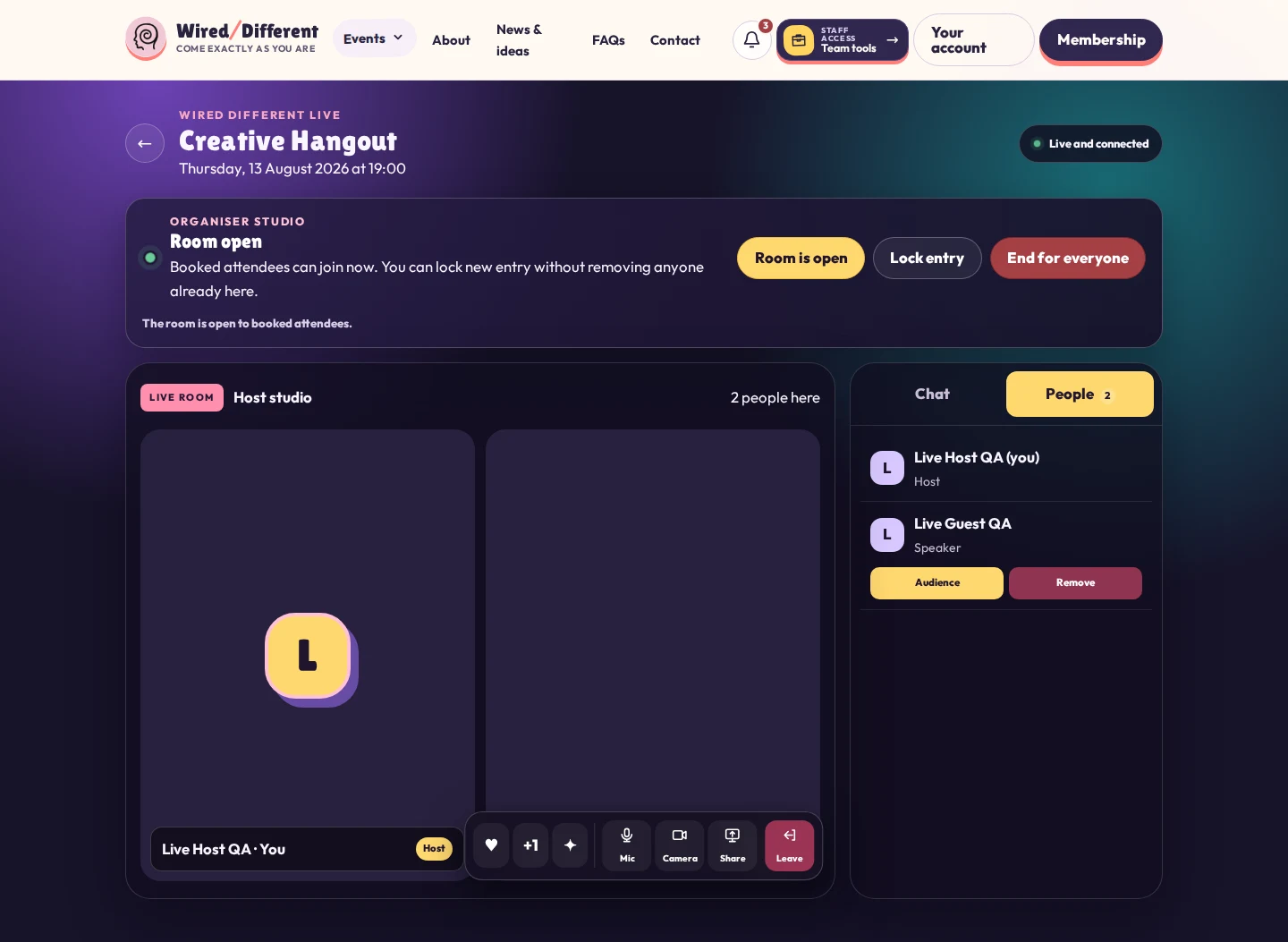
The live experience sits inside the member journey. Attendees can prepare privately; hosts can see arrival state, run the room with explicit roles and respond when a session becomes noisy or confusing.
Private camera, microphone and speaker checks before joining
Waiting-room admission that remains visible to the host
Lead host, co-host, moderator and guest-speaker roles
Camera and participation expectations explained before entry
Chat, reactions, raised hands and deliberate screen sharing
Emergency mute and event-ending controls for the people running the room
One team control centre
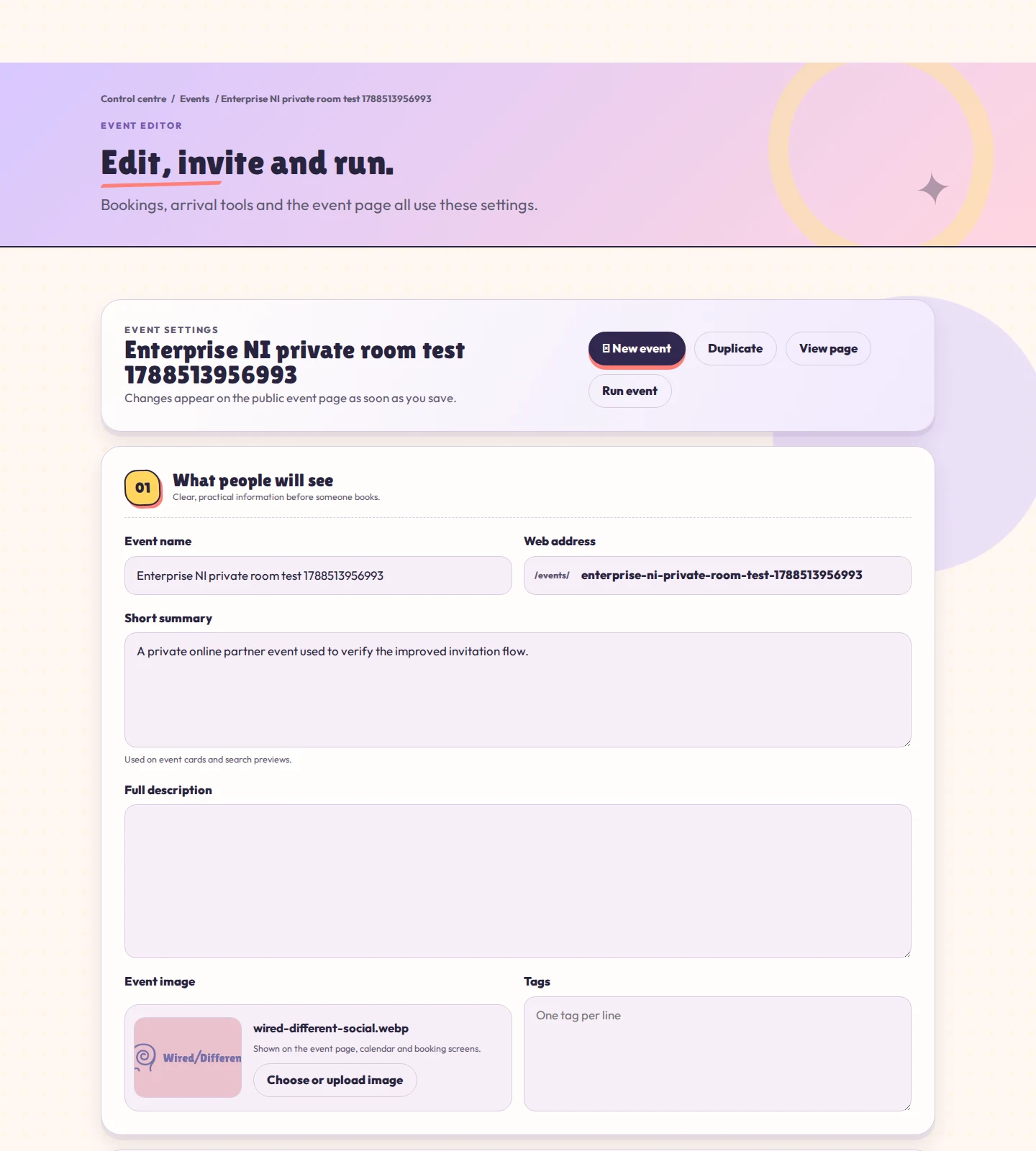
Staff tools use the language of running events—not the language of managing a CMS.
Authorised staff can create, edit and duplicate events, invite selected people, assign the event team and move straight into event-day operations. Higher-permission roles can support customers, memberships, content and service health from the same clear centre.
The controls are deliberately role-aware: useful power appears where somebody needs it, without every staff member inheriting the whole organisation.
A little of the stack
Fast at the edge. Purpose-built in the middle. Specialist where it matters.
The public explanation is intentionally simple. The interesting part is not the vendor list; it is how the pieces behave as one service.
Astro-first
Server-rendered, crawlable pages with app-like navigation and client code reserved for interactive journeys.
Cloudflare edge
Global delivery and server-side work without keeping a traditional application server alive.
Purpose-built data
Accounts, memberships, events, invitations and bookings share one application model.
Specialist services
Established payment, transactional email and live-room providers handle the jobs they are designed for.
The useful difficult bits
Most of the work lives between the screens.
Continuity without rebuying
Existing customers and subscriptions had to remain recognisable after the platform changed underneath them.
Access rules people can explain
Membership, staff entitlement, guest invitations, paid tickets and private lists all needed a predictable order of precedence.
Safeguarding without coldness
The platform has to set firm boundaries while still feeling welcoming, calm and respectful of neurodivergent users.
Live state across many browsers
Hosts, attendees and guests can arrive early, reconnect or disappear unexpectedly. Room state has to recover without leaving misleading queues behind.
Power without an admin maze
Staff need serious operational control, but the interface still has to work for people who do not think of themselves as technical administrators.
A loud identity with quiet usability
The expressive brand had to survive responsive layouts, light and dark themes, reduced motion and information-dense tools.
Live responsive preview
See the website at work.
Switch between desktop, tablet, and mobile framing. Some live sites may block embedding; the direct link always remains available.
Client response / Wired Different
“A fantastic website and exceptional support from start to finish.”
Angela SmithFounder, Wired/Different CIC
The goal was not to make a community organisation look like a technology company. It was to make the technology feel like part of the welcome.
Build the service, not another workaround